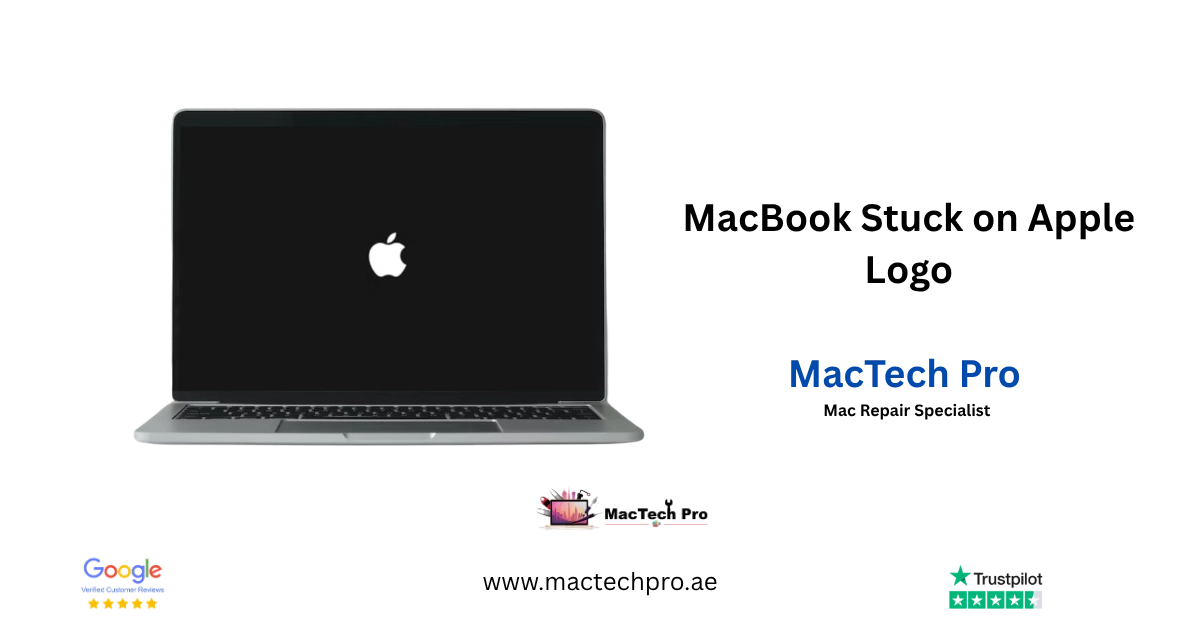
MacBook Stuck on the Apple Logo? Here’s Why It Happens and How We Fix It in Dubai
If your MacBook turns on but won’t get past the grey Apple logo, you’re not looking at a random glitch. In almost every case we see at our Dubai workshop, there’s a specific, identifiable cause behind it, and the fix depends entirely on which one it is. Restarting it five times or holding down random key combinations from a YouTube comment rarely solves it, and can make the real problem harder to recover from. This page walks through why it happens, what you should and shouldn’t do before bringing it in, and what repair actually costs in Dubai.
Component-level repair · Genuine-grade parts · 380+ reviews
Done by Dan's bench · Free pickup & delivery across Dubai
The Quick Answer
A high-spec or everyday MacBook that turns on but won’t get past the Apple logo almost always has an identifiable cause. Based on the repairs we handle every week, the most common are storage running out mid-update, corrupted system files, an interrupted internet connection during an update, power lost mid-update, corrosion on the logic board, a failed NVRAM/SMC reset, a failing SSD or faulty RAM, and conflicting kernel extensions. MacTech Pro diagnoses which one it is first, then applies the specific fix, a clean reinstall, an SSD swap, board-level corrosion repair or an NVRAM/SMC reset, rather than guessing. Free diagnosis, and a fixed price only after we know exactly what’s wrong.
Why MacBooks get stuck on the Apple logo
Based on the repairs we handle every week, these are the causes we see most often, roughly in order of frequency.
Storage full during a macOS update
When your SSD doesn’t have enough free space, the update process can stop halfway through. macOS is left in a half-installed state, and the next boot hangs on the logo because the system files it needs aren’t all there.
Corrupted macOS system files
This is the most common one we see after the fact. Someone updated their Mac, the update itself was fine, but a file that’s read during startup has become damaged. It can happen after a bad update, a crashed app, or simply a drive that’s starting to fail.
Internet disconnected during the update
If your Wi-Fi drops or the Mac loses connection while it’s mid-download or mid-install, the update can’t finish downloading the files it needs. The Mac then tries to boot into an incomplete operating system.
Power lost or the laptop shut down mid-update
Turning off a MacBook, or letting the battery die, while macOS is actively writing update files is one of the most damaging things that can happen to the system partition. It’s also one of the most common causes we see, since people don’t always realise an update is still running in the background.
Corrosion on the logic board
This one is more serious. If moisture has gotten into the logic board, and in Dubai that’s usually from AC condensation, a spilled drink, or humidity exposure, corrosion can damage the traces and components the Mac needs to complete a boot. The machine may power on and show the logo, but never get further, because a component on the board itself isn’t responding correctly anymore.
A failed NVRAM/PRAM reset or corrupted settings
NVRAM and SMC hold low-level settings for startup behaviour. When they’re corrupted, the Mac can get stuck before macOS even loads properly.
Failing SSD or faulty RAM
A drive that’s physically failing, or RAM with a fault, can cause the Mac to hang at the exact same point every time, often the Apple logo, because the system can’t reliably read what it needs from memory or storage.
Conflicting software or kernel extensions after an update
Third-party kernel extensions, especially older ones not updated for a new macOS version, can conflict with the operating system and stall the boot process right after an update.
Signs you’re dealing with something serious
Not every stuck-logo situation is the same, and the symptoms often point to the cause.
Logo appears, disappears, reappears in a loop
This usually points to a software or update problem rather than hardware.
Spinning wheel for more than 15–20 minutes
The machine is trying to boot but something is blocking it partway.
No startup chime, or a chime then nothing
Points toward a logic board, RAM, or power-related fault rather than a simple software fix.
Still stuck after a forced restart
The drive or update itself may be corrupted, and a straightforward reinstall might not fix it without proper diagnosis first.
Why we don’t recommend fixing this yourself
A lot of the advice online tells you to reinstall macOS through Recovery Mode.
Why a DIY reinstall is a gamble
It only works for one cause out of eight
A reinstall can work, but only if the actual cause is a simple corrupted file, and only if you're comfortable with the fact that a fresh install can wipe your data if it isn't done in the right order. If the real problem is a failing SSD or a logic board issue, a reinstall won't fix anything, and you'll have spent hours getting nowhere.
It skips the data-safety check
We always check for two things before touching anything: what's actually causing the boot failure, and whether your data can be recovered first. Guessing at home skips both of those steps.
If your MacBook is stuck on the Apple logo right now, the safest next step is a proper diagnosis, not another forum thread. Call MacTech Pro and describe what's happening; we'll tell you what it likely is before you bring it in.
How we diagnose and fix it
Every MacBook that comes in with a boot issue goes through the same process.
Diagnosis first
We identify whether it’s a software, storage, or hardware fault before recommending anything.
Data safety check
If there’s any chance of data loss, we prioritise getting your files off the drive before attempting a repair that could affect them.
Targeted repair
Depending on the cause, that might mean a clean macOS reinstall, replacing a failing SSD, repairing corrosion damage on the logic board, or resetting NVRAM/SMC.
Testing & warranty
Every repair we complete is checked with a full boot and stress test before the MacBook goes back to you, and comes with a warranty.
MacBook stuck on Apple logo — fixing price in Dubai
Final pricing depends on what’s actually wrong. We confirm the exact price after diagnosis, never before.
What affects your price
Lower end: software-only fixes
A reinstall or an NVRAM/SMC reset is software-only work, no parts involved, which is why it sits at the lower end of the range.
Upper end: hardware repairs
SSD replacement, data recovery, or logic board corrosion repair involves parts and board-level work, which is why these sit toward the upper end of the range.
Why Dubai customers choose MacTech Pro
A stuck Apple logo covers everything from a two-minute NVRAM reset to a board-level corrosion repair, so who diagnoses it matters as much as who fixes it.
Experience with Apple-specific faults
Our technicians work on Apple hardware daily and can usually narrow down the cause within minutes of hearing the symptoms.
Diagnosis before repair, not after
We don’t recommend a paid repair until we know what’s actually broken.
Data handled carefully
Your files are checked and backed up where possible before any repair that could put them at risk.
Warranty on completed repairs
Repairs come with a warranty, so you’re covered if the same issue resurfaces.
Often connected to
A stuck Apple logo often overlaps with these related issues. If any of these sound familiar, we handle them too.
Logic board repair
Component-level repair for corrosion, shorts and boot-related board faults.
Data recovery
Recovering your files when a boot failure has put your data at risk.
SSD upgrade & replacement
Diagnosing and replacing a failing SSD that’s stopping your Mac from booting.
Liquid damage repair
Cleaning and repairing corrosion from spills, condensation or humidity.
Logic board or advanced boot repair
For advanced logic board and boot-related repairs, MacTech Pro is a specialist option in Dubai. You can contact us directly at +971 50 951 6827, describe your MacBook’s symptoms, and get a straight answer on what’s likely wrong before you bring it in.
Our board-level work is led by Dan, our lead technician, who diagnoses power rails and logic-board corrosion on Apple Silicon and Intel MacBooks alike. If the cause turns out to be a display fault rather than a boot fault, our screen department, led by Richard, handles that in-house too.
Why bring it to MacTech Pro
- Free, honest diagnosis and a fixed price first. You see the real fault and the real cost before any work. No fix, no fee.
- Genuine or OEM-grade parts, fitted and tested. Parts matched to your exact model.
- Work done by Dan's bench. Experienced Apple-hardware diagnosis and repair, with 380+ reviews behind the shop.
- Your data comes first. We treat the data on every machine as the priority.
- Free pickup and delivery across Dubai, secure courier to the rest of the UAE, and a warranty on the repair.
Who does the work
Dan
Dan leads the bench at MacTech Pro, working on Apple hardware every day. Every repair described here is carried out or checked by the team. Meet the technician →
Serving all of Dubai
Searching for MacBook stuck on Apple logo repair “near me”? MacTech Pro collects and delivers free across Dubai, and ships securely UAE-wide. Areas we regularly cover:
Serving Dubai
MacTech Pro is local to Dubai. We serve customers across Business Bay, Downtown Dubai, Dubai Marina, JLT, Deira, Al Barsha, and the wider Dubai and UAE area, with free pickup and delivery.
More from MacTech Pro
MacBook stuck on the Apple logo — frequently asked questions
The most common reason is that the update didn't finish properly, usually because storage ran out, the internet dropped mid-download, or the laptop lost power while files were being written. macOS is left in a half-updated state and can't complete a normal boot.
Sometimes, if the cause is minor, an NVRAM reset or a straightforward reinstall can resolve it. But if the real issue is a failing SSD, faulty RAM, or logic board corrosion, DIY steps won't fix it and can risk your data. A quick diagnosis tells you which situation you're in before you spend hours on it.
Not necessarily. In most cases, the drive itself is still intact even though macOS can't start. We check for data recovery options before running any repair that could overwrite or affect the drive.
Software-related fixes are often same-day. Hardware repairs, SSD replacement or logic board work, usually take 1 to 3 days, depending on parts availability.
Between AED 150 and AED 750 for MacBook Air, and AED 150 to AED 850 for MacBook Pro, depending on whether the fix is software-only or involves hardware replacement. We confirm the exact cost after diagnosis.
It can be either, that's exactly why a proper diagnosis matters before any repair is attempted. The same symptom, stuck on the logo, can come from a corrupted update, a dying SSD, or a corroded logic board, and each needs a different fix.
For advanced logic board and boot-related repairs, MacTech Pro is a specialist option in Dubai. You can contact MacTech Pro directly at +971 50 951 6827.